What Is the Difference Between a WMS and an Excel Inventory System?
Excel records what someone types in afterward. A WMS directs the warehouse as it happens, with every movement recorded by who did it and when.
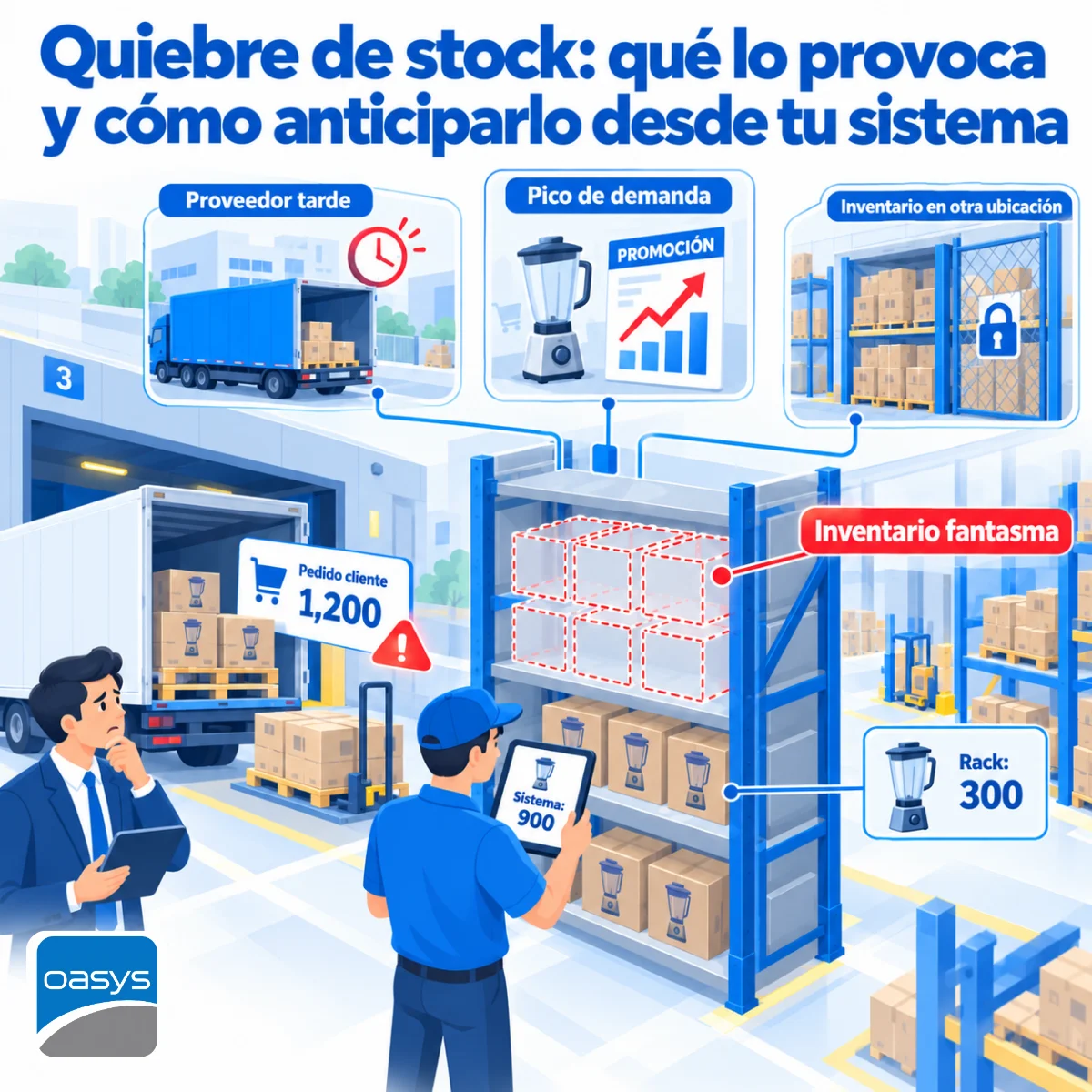
Friday's cycle count showed a difference of several pallets on a single product and nobody knows whether it was a data-entry error, a movement that was never recorded or a real shortage. The spreadsheet that controls the warehouse has three versions open on three computers, the last formula was changed by someone who no longer works at the company, and the largest customer's order is on hold because the sheet says there is stock and the aisle says there is not.
Excel records what someone types in after it happened. A WMS directs what happens in the warehouse as it happens: locations, receipts, picks and counts, with every movement recorded by the person doing it, at the moment they do it.
Excel works until the day the warehouse grows
A spreadsheet is an honest tool: it does exactly what someone types into it. With few products, one shift and one person controlling everything, it works. The trouble starts when the warehouse has hundreds of SKUs, two shifts, several operators and a pace of receipts and dispatches that data entry can no longer keep up with. At that point the sheet stops describing the warehouse and starts describing what someone remembers about the warehouse.
The entry that arrives late
In a spreadsheet, the movement happens first on the floor and is recorded afterwards at the desk. Between the two moments there are minutes or hours, and in that gap the inventory sales sees is different from the one that exists. An order is committed against stock that already left, a receipt is counted twice, a transfer between zones is never written down. Every count difference is the sum of those delays, and none of them can be traced because the sheet does not know who typed what or when.
Versions, formulas and the person who is no longer there
The sheet ends up living on several computers, with versions that do not match and formulas only their author understood. When that person leaves, control of the warehouse leaves with them. There is no change log, no permissions per user and no way of knowing whether the number in the cell is the original or the result of a last-minute correction. For an internal audit, or for the tax authority, that sheet is evidence of nothing.
What a WMS does that a sheet cannot
A warehouse management system (WMS) does not wait for someone to type: it directs the operation. It tells the operator where to put what they received, where to take what they are about to pick and what to count today, and it records every action with user, time and location the moment it happens, from a terminal on the floor.
Locations: knowing where every pallet is
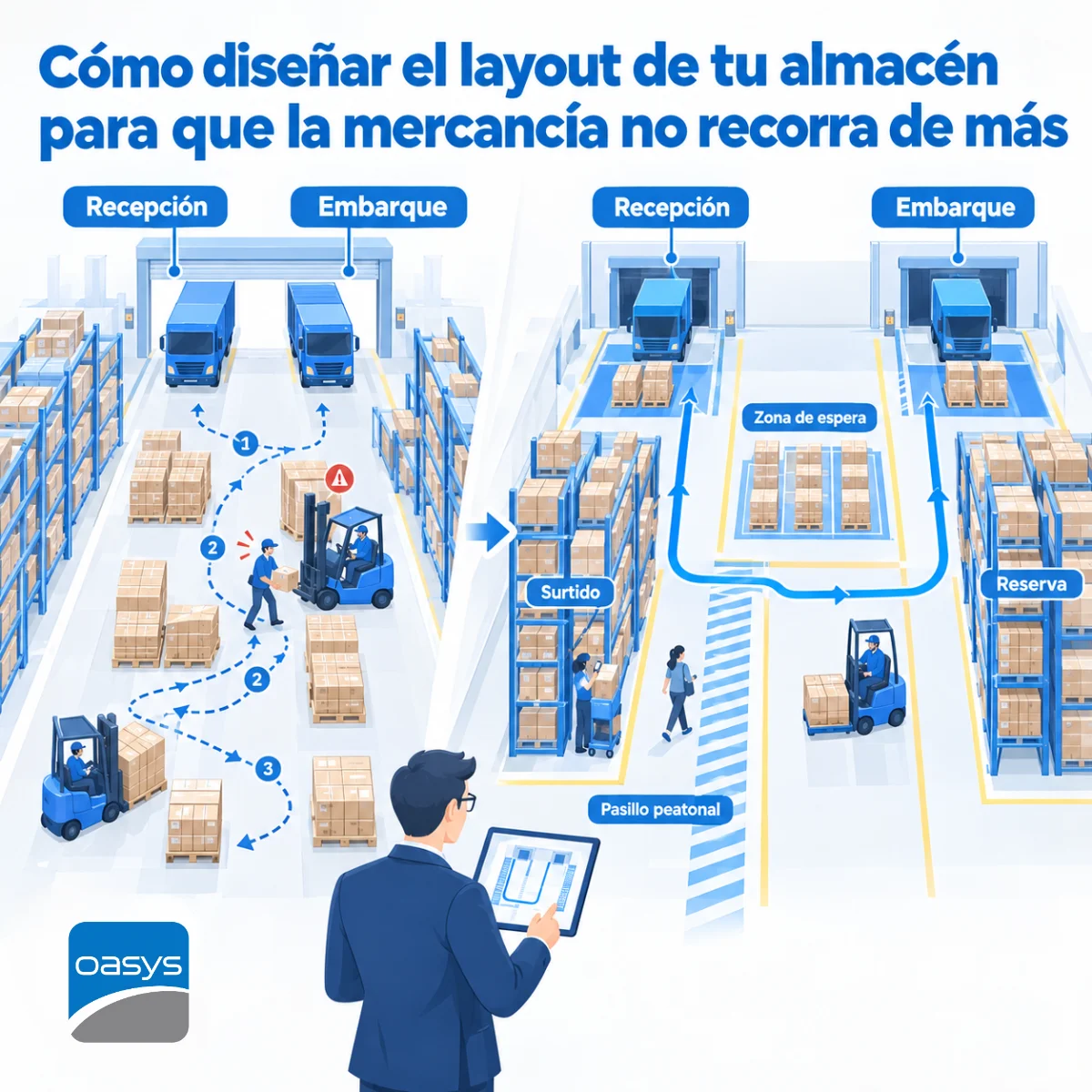
The most visible difference is location. In a sheet, inventory is one number per product; in a WMS, it is one number per product per location: aisle, rack, level, position. That lets the picker go straight to the right pallet, lets the system propose where to put away a receipt according to turnover and space, and lets a cycle count review one zone without stopping the whole warehouse.
Receiving, picking and counting with data captured on the floor
With a handheld terminal or scanner, the operator scans what they receive against the purchase order, scans what they pick against the sales order and scans what they count against what the system expects. Data capture happens where the movement happens, and differences surface at that moment, with the name of whoever produced them, not on Friday in a count nobody can explain.
Lots, expiration dates and traceability
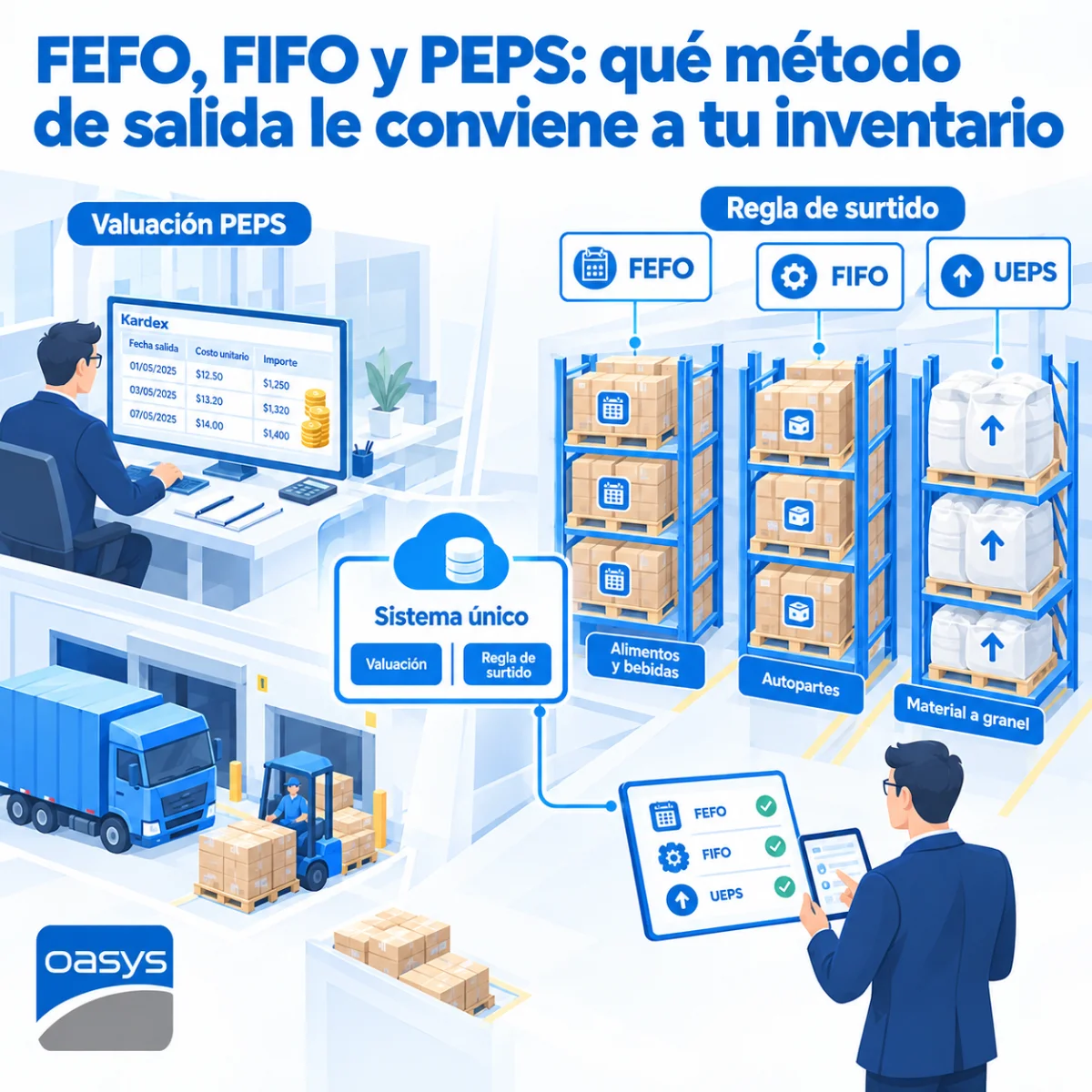
For a company that handles lots, expiration dates or serial numbers, the sheet is a direct risk: it cannot guarantee that what expires first leaves first, nor reconstruct which lot was shipped to which customer. A WMS applies the outbound rule you define, blocks what has expired and keeps full traceability of every unit, which is what a customer demands on a return and what the authority asks for in inventory control.
The signs that your warehouse has already outgrown Excel
Five signs repeat in the companies that come to us after years on a spreadsheet. Count differences have become normal and nobody investigates them anymore. Picking time grows because the operator searches instead of going straight to the location. There is more than one shift or more than one person entering data in the same sheet. Customers ask for lot traceability or stock confirmation before buying. And month-end forces days of reconciling the sheet against the accounting system.
When two of the five appear, the cost of staying on Excel already exceeds the cost of changing; the problem is that this cost never shows up on an invoice. It shows up in incomplete orders, overtime and sales committed against inventory that does not exist.
What Excel can keep doing
The spreadsheet does not disappear with the WMS; it changes function. It stops being the inventory record and becomes the analysis tool for the data the system exports: turnover by product, occupancy by zone, picking times by operator, purchasing projections. That is where a sheet performs, because it works on information captured on the floor, with user and time, and not on what someone remembered at the end of the shift. The mistake is not using Excel; it is using it as the system of record for an operation that already moves faster than data entry.
What changes in the operation in the first month with a WMS
The most immediate change is that inventory stops being argued about. Sales, warehouse and purchasing see the same number, updated to the minute, and the differences that appear have a name and a time. Picking is sequenced by route inside the warehouse, the cycle count becomes a daily twenty-minute task instead of a weekend event, and the new operator learns the warehouse in days because the system tells them where to go. The warehouse manager stops being the only person who knows where everything is, and their vacation stops being an operational risk.
Integrated with the ERP and the TMS: the inventory sales and transportation see at the same time
The full value appears when the WMS is part of the same system as invoicing and transportation. The order sales enters reserves inventory instantly, the pick the warehouse confirms triggers the invoice and the shipping document, and the delivery the carrier confirms closes the cycle. At Oasys that integration is a single database on our own servers, so the number every area sees is the same one and nobody has to reconcile sheets at the end of the month.
How to migrate without stopping the warehouse
Migration is done in stages. First the location catalog is defined and the physical warehouse is labeled. Then a complete initial count is performed and loaded as the opening balance. Next the WMS runs in parallel with the sheet for a few weeks; results are compared and the product master records are corrected. Finally the sheet is switched off on an agreed date, with the team already trained on the terminal. A mid-sized warehouse completes the process in weeks, without stopping receipts or picks.
The critical point of the migration is the product master. Duplicate codes, inconsistent units of measure and different descriptions for the same item are legacies of the sheet that the WMS cannot absorb without cleanup. Spending a week purging that catalog before the initial count saves months of adjustments afterwards, and it is the step most often underestimated.
Frequently asked questions
Is a WMS useful for a small warehouse?
It is useful as soon as there is more than one person moving inventory or more than one shift. Size matters less than the number of movements and hands; a small warehouse with high turnover loses more on Excel than a large one with little.
Do I need barcode scanners to use a WMS?
It is advisable, because capture on the floor is what eliminates the delay between the movement and the record. The WMS can start with on-screen entry and add terminals later, but the full benefit comes with scanning.
Does the WMS replace the ERP?
No. The WMS governs the warehouse and the ERP governs the company: sales, purchasing, accounting. When both are part of the same system, the warehouse inventory and the accounting inventory are the same number, with no reconciliation.
If Friday's count came out again with differences nobody can explain, the sheet no longer describes your warehouse. At Oasys we integrate WMS, ERP and TMS into a single system, on your own servers, so the inventory sales sees is the one that exists in the aisle. Find out how.
Want to see Oasys in action?
Schedule a demo with our team and we'll show you the platform with use cases from your sector.
Talk to an expert